
Description
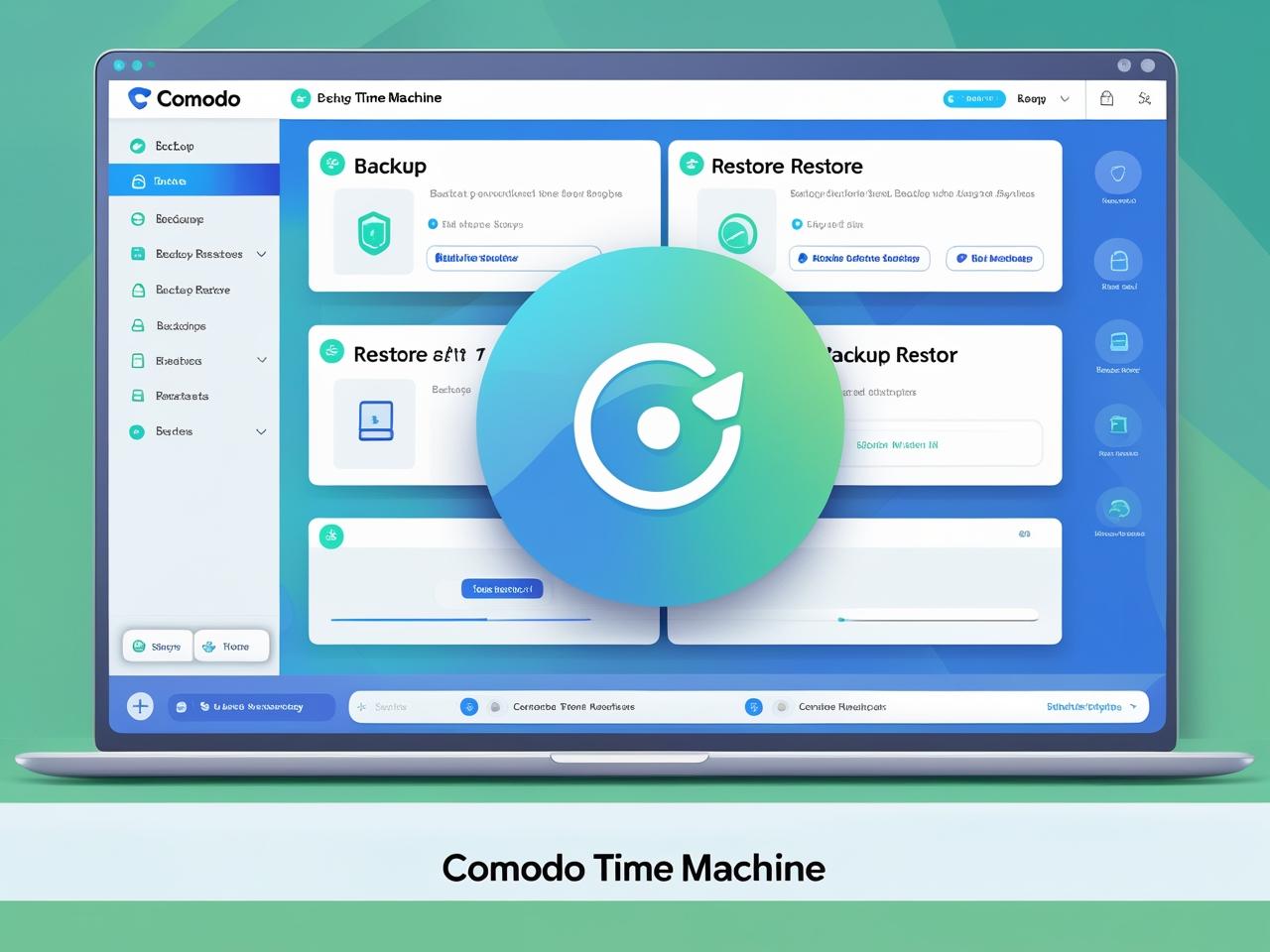
Comodo Time Machine is a Windows system snapshot utility that allows users to roll back their computers to a previous state. It captures incremental snapshots of the system, including the operating system, installed applications, and settings. In case of malware infection, software conflicts, or system crashes, users can revert to a clean snapshot in minutes. Advanced features include scheduled snapshots, snapshot management, and selective file restoration without a full rollback.




Esther –
I’ve been using ‘Comodo Time Machine’ for a while now, and it’s proven to be a real lifesaver. It’s incredibly reassuring to know that I can quickly revert my system to a previous state if something goes wrong, whether it’s a software conflict, a virus scare, or simply a setting I accidentally messed up. The snapshot feature is easy to use, and the restore process is surprisingly fast and efficient, saving me a lot of time and frustration compared to reinstalling or troubleshooting for hours.
Muibat –
I’ve been using Comodo Time Machine for a while now, and I’m incredibly impressed with its ability to quickly restore my system to a previous state. Setting up snapshots is simple, and the restoration process is straightforward and effective. “The peace of mind knowing I can easily recover from unexpected issues like software conflicts or accidental file deletions is invaluable. It has saved me countless hours of troubleshooting and reinstalling programs.” It’s a solid solution for anyone looking for a reliable system restore utility.
Yahuza –
I’ve been using Comodo Time Machine for several months now, and I’m incredibly impressed with its ability to quickly restore my system to a previous state. It has saved me from countless headaches caused by software conflicts and accidental file deletions. The ability to create system snapshots is a real lifesaver, and the restore process is simple and efficient. I can confidently say this software has become an essential part of my system maintenance routine and I suggest trying it.